Google Play 12 Testers for 14 Days: India Guide (2026)
If your Google Play personal developer account was created after 13 November 2023, you may need a closed test with at least 12 testers continuously opted in for 14 days before you can apply for production access. The safest plan is to recruit more than 12 people, start with an internal build, collect structured feedback throughout the test and keep evidence of every fix.
- Finish enough Play Console setup to create a closed test.
- Recruit at least 12 testers with eligible Google accounts.
- Keep at least 12 people opted in continuously for 14 days.
- Ask them to install, use the important flows and send feedback.
- Fix meaningful problems and record what changed.
- Apply for production access from the Play Console dashboard.
- Answer Google’s questions about the app, test and production readiness.
Who the 12-testers requirement applies to
Google’s current help page describes the requirement for newly created personal developer accounts. It specifically references personal accounts created after 13 November 2023. Older personal accounts and organisation accounts can have different eligibility and verification paths, so the dashboard in your own Play Console is the final authority.
Do not confuse the four release tracks:
| Track | Purpose | What a new developer should know |
|---|---|---|
| Internal testing | Fast checks with trusted testers | Optional, but the best place to catch installation and crash blockers first |
| Closed testing | Controlled group and private feedback | The qualifying test for affected new personal accounts |
| Open testing | Anyone can opt in | Google says production access is needed before this track is available to affected accounts |
| Production | Public distribution | Requires production access and app review; completing 14 days is not automatic publication |
Recruit 15–18 people, not exactly 12
Twelve is the threshold, not a sensible recruitment target. People change phones, miss the opt-in step, use the wrong Google account or leave a test. A small buffer prevents one dropout from putting the test below the requirement.
Recruit people who resemble the intended users. For an Indian productivity app, that could include different Android brands, OS versions, languages, network conditions and levels of technical confidence. For a pet app such as Decody, pet owners produce much better feedback than developers tapping every button once.
Good recruitment sources
- Friends, family, colleagues or classmates who genuinely fit the audience
- Existing customers or community members where testing requests are allowed
- Professional contacts who use the type of workflow your app solves
- A small tester group with written instructions and a feedback channel
Bad recruitment shortcuts
- Buying silent accounts that never use the app
- Posting the opt-in link in communities that prohibit promotion
- Promising rewards you cannot deliver
- Collecting passwords, OTPs or other account credentials
- Asking testers to leave public five-star reviews for access
The objective is not to imitate activity. It is to demonstrate that the app has been tested and that you can explain what you learned.
A practical 14-day plan
| Day | Developer task | Tester task | Evidence |
|---|---|---|---|
| Before Day 1 | Run an internal install and remove obvious blockers | None | Smoke checklist and build number |
| Day 1 | Confirm the opt-in count and send one-page instructions | Opt in with the correct account, install and finish onboarding | Tester roster without passwords or sensitive data |
| Days 2–4 | Watch crashes and first-action failures | Complete the primary task on normal network conditions | Issues grouped by severity and device |
| Days 5–7 | Ship a focused fix if necessary | Retry the changed flow and test an error state | Release note and retest result |
| Days 8–11 | Check retention-critical and payment/restore paths | Return to the app and repeat the useful task | Return-use feedback and unresolved risks |
| Days 12–14 | Freeze risky features and prepare production answers | Final regression and short survey | Test summary, fixes and production checklist |
The one-page tester brief
Copy this structure
- Install: open the opt-in link with the invited Google account, join the test, then install from Google Play.
- Try: complete the first useful action, close the app, return later and repeat it.
- Stress: try one slow-network, denied-permission or empty-input case.
- Report: device model, Android version, build number, exact steps, expected result and actual result.
- Stay opted in: remain in the closed test for the full continuous period unless safety or privacy requires leaving.
Never ask for a Google password, OTP, payment card or private account screenshot.
What to test beyond “the app opens”
- Activation: can a new user discover and complete the main task?
- Permissions: does denial produce a useful explanation rather than a dead end?
- Errors: are offline, timeout, empty and server-failure states recoverable?
- Performance: is the app usable on a lower-memory phone and unstable network?
- Accessibility: do text size, contrast, labels and touch targets remain usable?
- Monetisation: are ad opt-in, purchase, restore and cancellation paths understandable?
- Store accuracy: do screenshots and descriptions match the build testers received?
Turn feedback into a production-access answer
Google asks affected developers to describe the app, testing process, tester engagement, feedback and production readiness. Keep a compact decision log instead of reconstructing two weeks from memory.
| Feedback | Decision | Evidence |
|---|---|---|
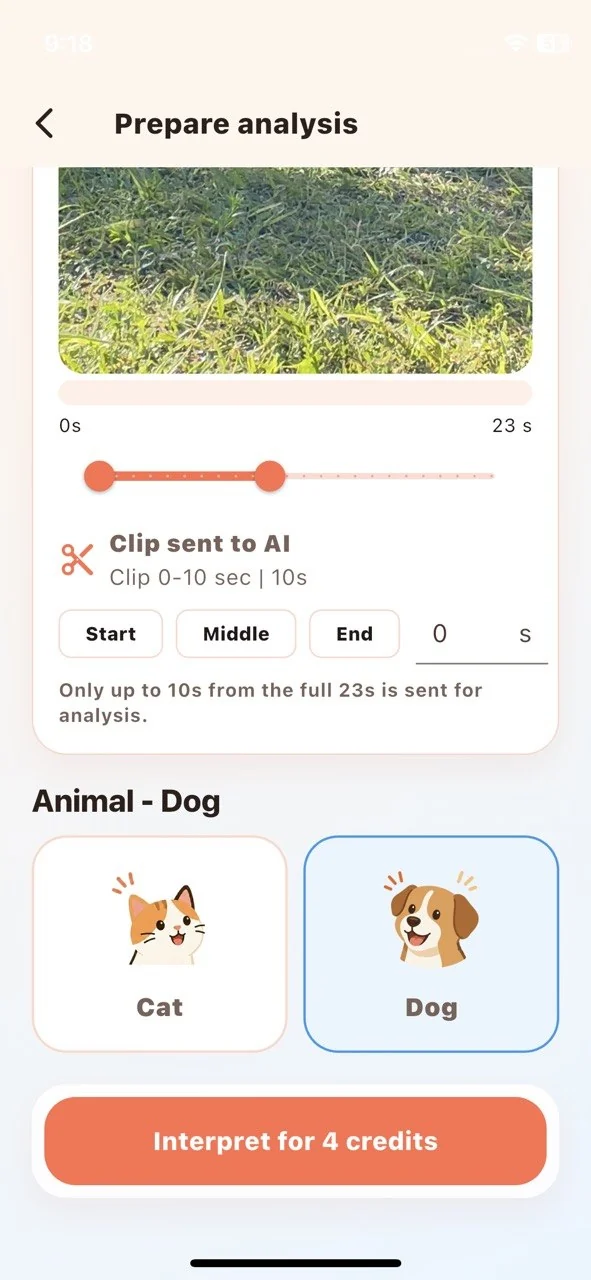
| Users missed the clip-duration rule | Moved the limit beside the selector and action button | Before/after screen and retest notes |
| Slow network looked frozen | Added progress copy, timeout and retry | Network-condition retest |
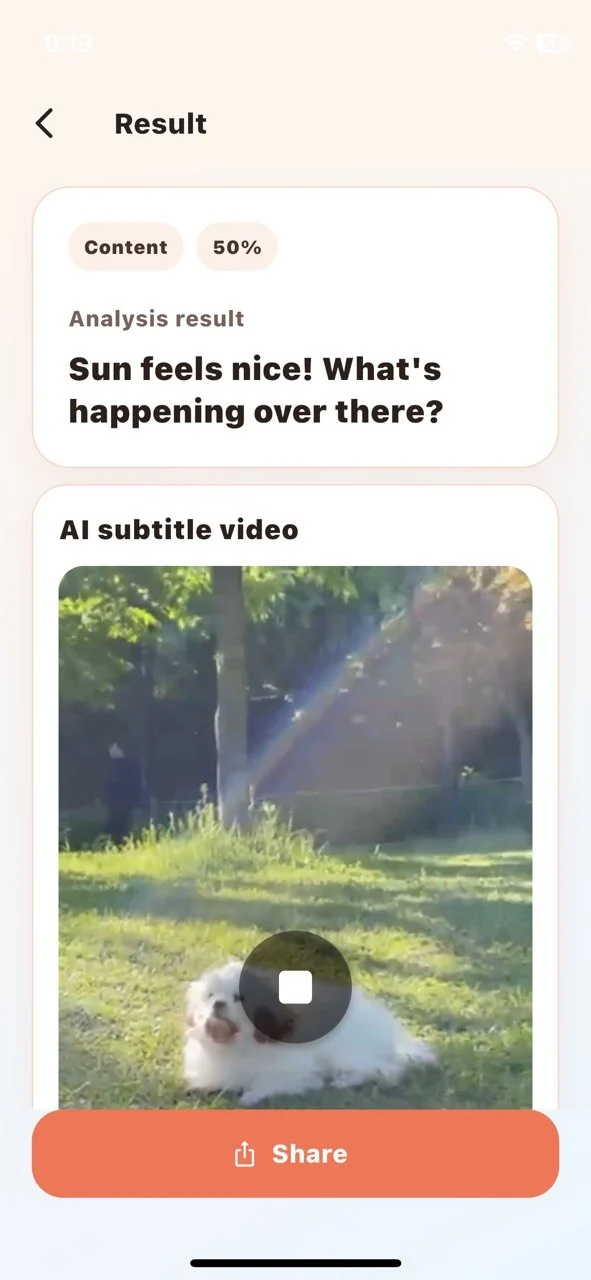
| A result could be misunderstood as diagnosis | Strengthened in-flow safety language | Copy review and product screenshot |
When the 14 days end
Confirm that the qualifying tester count and duration are shown in your Play Console. Then apply for production access from the dashboard and answer the readiness questions with your real evidence. Google says the access review usually takes seven days or less but may take longer. Access can be refused if the app or test is not ready, so do not treat Day 15 as a guaranteed public launch date.
Related guides
The detailed monetization comparison is scheduled for 31 August.
I am the developer of Decody, a public iOS and Android app for AI-assisted interpretation of selected ten-second pet moments.
Official sources
- Google: app testing requirements for new personal developer accounts
- Google: set up an internal, closed or open test
- Google: helpful tips for publishing an app
Policy note: This guide reflects Google’s published requirements checked in August 2026. Your Play Console dashboard controls your account’s actual eligibility. Do not buy accounts, reviews or fake activity.


Comments
Post a Comment